
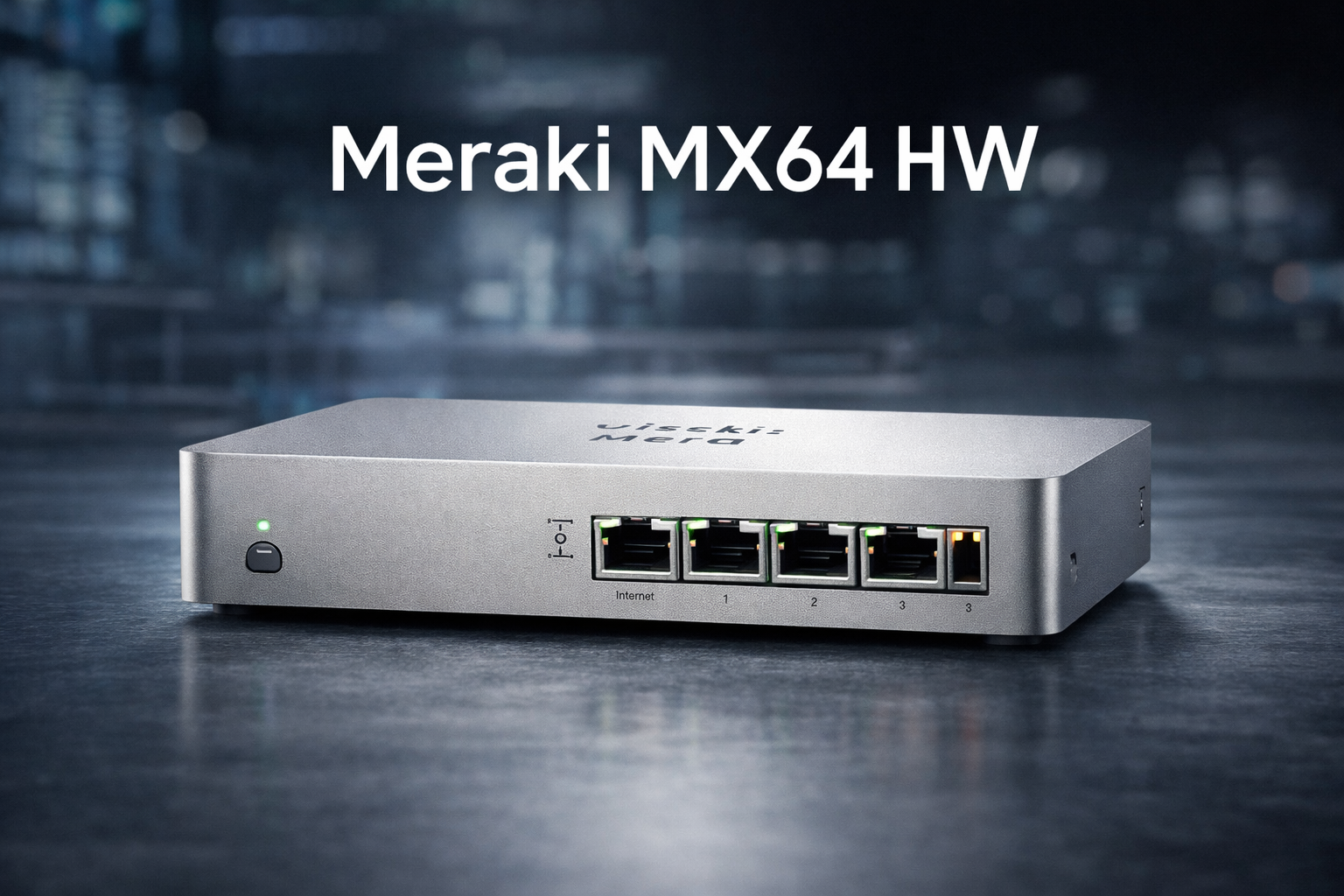
The Meraki MX64 HW has long been a recognizable name in small business and branch office networking. Designed as a cloud-managed security appliance, it helped many organizations simplify firewall management, site-to-site VPNs, and basic network security without requiring deep networking expertise. Even in 2026, interest in the Meraki MX64 hardware remains strong due to legacy deployments, replacement planning, and comparisons with newer Meraki MX models.
This in-depth guide provides a clear, factual, and up-to-date overview of the Meraki MX64 HW, including its features, specifications, use cases, limitations, lifecycle considerations, and alternatives. The goal is to help IT professionals, decision-makers, and business owners understand where the MX64 fits today and how to plan around it responsibly.
Disclaimer: This article is for informational and educational purposes only. Product availability, support status, and specifications may change over time. Always verify lifecycle status, licensing requirements, and compatibility with official vendor documentation before making purchasing or deployment decisions.
What Is the Meraki MX64 HW?
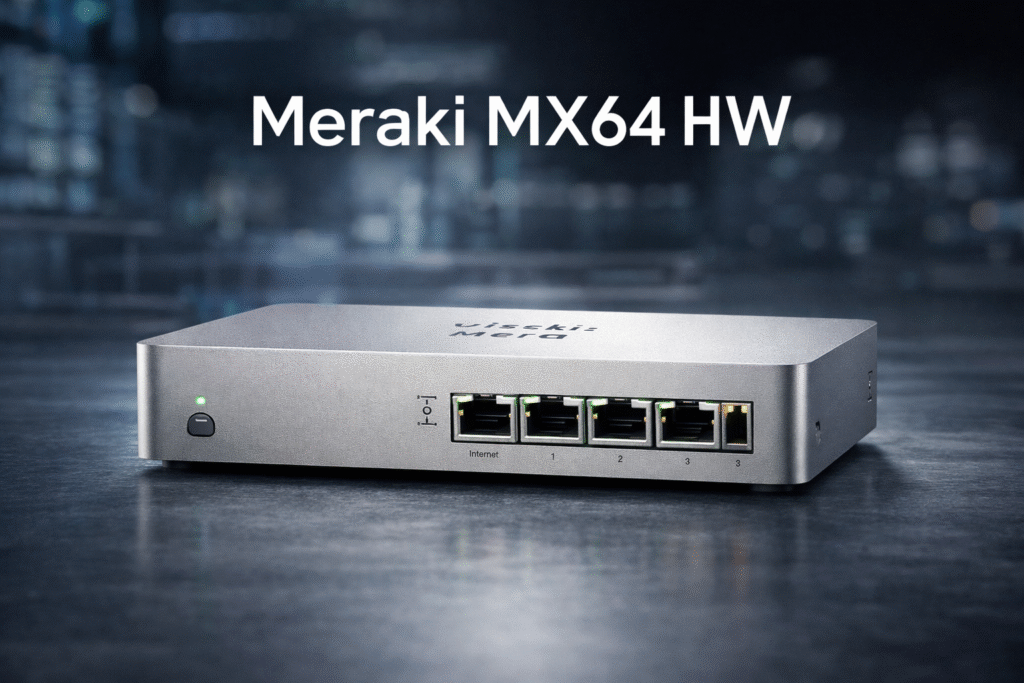
The Meraki MX64 HW is a hardware-based security and SD-WAN appliance developed by Cisco Meraki. It was designed primarily for small offices, retail locations, and remote branches that required enterprise-grade security with simplified cloud-based management.
Unlike traditional firewalls that require local configuration, the MX64 is managed through the Meraki Dashboard, a centralized web-based interface that allows administrators to configure, monitor, and troubleshoot devices remotely.
Core Purpose of the Meraki MX64 HW
- Provide firewall and security services for small networks
- Enable secure site-to-site and client VPN connectivity
- Offer cloud-managed visibility and control
- Reduce on-site IT complexity
Key Features of the Meraki MX64 HW
The Meraki MX64 HW became popular because it combined multiple networking and security functions into a compact, easy-to-manage device.
1. Cloud-Based Centralized Management
One of the defining features of the MX64 is its integration with the Meraki cloud dashboard.
Benefits include:
- Remote configuration and monitoring
- Centralized policy management
- Automatic firmware updates
- Simplified troubleshooting
This model significantly reduces the need for on-site IT intervention.
2. Stateful Firewall Capabilities
The MX64 includes a stateful firewall that inspects traffic and enforces security policies.
Firewall functions include:
- Layer 3 and Layer 7 firewall rules
- Network address translation (NAT)
- Application-based traffic control
- Traffic shaping and prioritization
These features help protect networks from unauthorized access while maintaining performance.
3. VPN and Secure Connectivity
The Meraki MX64 HW supports multiple VPN options for secure remote and branch connectivity.
Supported VPN features:
- Auto VPN for site-to-site connectivity
- Client VPN for remote users
- IPsec-based encryption
- Centralized VPN policy management
Auto VPN, in particular, simplifies multi-site deployments by automatically configuring secure tunnels between Meraki devices.

4. SD-WAN Capabilities
Although basic by modern standards, the MX64 introduced early SD-WAN functionality.
Key SD-WAN features include:
- Traffic-aware path selection
- WAN link monitoring
- Failover between uplinks
- Performance-based routing decisions
These capabilities help maintain connectivity and performance during WAN disruptions.
5. Compact Hardware Design
The MX64 HW is designed for small spaces and quiet environments.
Physical characteristics:
- Fanless design
- Small form factor
- Low power consumption
- Desktop or wall-mount friendly
This makes it suitable for retail stores, small offices, and remote locations.
Meraki MX64 HW Technical Specifications Overview
While exact specifications may vary slightly by revision, the MX64 HW generally includes the following characteristics.
| Feature | Description |
|---|---|
| Intended Use | Small office / branch firewall |
| WAN Interfaces | 1–2 Ethernet WAN ports |
| LAN Interfaces | Multiple Gigabit Ethernet ports |
| VPN Support | Site-to-site and client VPN |
| Management | Meraki cloud dashboard |
| Power | External power adapter |
| Form Factor | Desktop, fanless |
Note: Always confirm specifications through official documentation when planning deployments or replacements.
Common Use Cases for Meraki MX64 HW
The Meraki MX64 HW was widely deployed across various industries due to its simplicity and reliability.
Small Businesses
Small organizations used the MX64 to secure internet access and connect remote workers without dedicated network staff.
Retail and Franchise Locations
Retail chains deployed MX64 appliances in stores to:
- Secure point-of-sale networks
- Enable centralized management across locations
- Maintain uptime with WAN failover
Remote and Branch Offices
Enterprises used MX64 units for:
- Branch connectivity to headquarters
- Secure access to internal resources
- Consistent policy enforcement
Temporary or Low-Complexity Sites
The ease of deployment made the MX64 suitable for pop-up locations and temporary offices.
Meraki MX64 HW Licensing Requirements
A critical aspect of the Meraki ecosystem is licensing.
How Meraki Licensing Works
The Meraki MX64 HW requires an active license to function.
Licensing typically covers:
- Cloud management access
- Firmware updates
- Security features (depending on license type)
- Support services
Without an active license, the device will not operate normally.
License Considerations
- Licenses are subscription-based
- Expiration results in reduced functionality
- License terms vary by region and agreement
Organizations must factor licensing costs into total cost of ownership.
Lifecycle and Support Considerations in 2026
Understanding product lifecycle status is essential when evaluating older hardware like the MX64.
End-of-Sale and End-of-Support Planning
Many organizations now evaluate the MX64 in the context of:
- Existing legacy deployments
- Replacement and upgrade planning
- Compatibility with modern security requirements
Even if the device remains operational, older hardware may face limitations related to:
- Performance
- Feature updates
- Long-term vendor support
Risks of Running Legacy Network Hardware
Potential risks include:
- Limited security feature enhancements
- Compatibility issues with newer services
- Reduced support availability over time
Proactive lifecycle planning helps avoid unexpected disruptions.
Performance Expectations and Limitations
The MX64 HW was designed for modest workloads.
Suitable Network Sizes
- Small offices with limited users
- Low to moderate traffic volumes
- Basic security and VPN requirements
Performance Constraints
Compared to newer appliances, limitations may include:
- Lower throughput capacity
- Reduced VPN performance
- Limited advanced security features
These constraints become more noticeable as application usage and encryption demands increase.

Meraki MX64 HW vs Newer Meraki MX Models
Organizations often compare the MX64 with newer Meraki appliances when planning upgrades.
Key Differences
| Area | MX64 HW | Newer MX Models |
|---|---|---|
| Performance | Entry-level | Higher throughput |
| Security Features | Basic | Advanced options |
| Scalability | Limited | Designed for growth |
| Lifecycle | Legacy | Actively supported |
When an Upgrade Makes Sense
An upgrade may be appropriate when:
- Network traffic has increased significantly
- Advanced security features are required
- Long-term support and updates are critical
Security Considerations for Meraki MX64 HW
Security remains a top concern for any network appliance.
Built-In Security Capabilities
The MX64 includes:
- Firewall protection
- VPN encryption
- Traffic filtering
These features provide baseline protection for small networks.
Security Limitations
Compared to modern appliances, the MX64 may lack:
- Advanced threat detection
- Deep inspection capabilities
- Higher-performance encryption
Organizations should evaluate whether baseline security meets current risk profiles.
Best Practices for Managing Meraki MX64 HW
If the MX64 remains in use, best practices help maximize value and reduce risk.
Regular Monitoring
- Use the dashboard to monitor performance
- Review security events and logs
License Management
- Track license expiration dates
- Plan renewals proactively
Configuration Reviews
- Audit firewall and VPN settings
- Remove unused rules and accounts
Upgrade Planning
- Identify replacement timelines
- Test migration strategies early
Pros and Cons of the Meraki MX64 HW
Pros
- Simple cloud-based management
- Reliable for small networks
- Compact, fanless hardware
- Easy VPN configuration
Cons
- Limited performance by modern standards
- Subscription licensing required
- Reduced long-term scalability
- Legacy lifecycle considerations
Alternatives to the Meraki MX64 HW
Organizations evaluating replacements often consider:
- Newer Meraki MX appliances
- Cloud-managed firewalls from other vendors
- Unified threat management devices
The right choice depends on network size, security requirements, and budget.
FAQs About Meraki MX64 HW
Is the Meraki MX64 HW still suitable for small businesses?
It may still function for very small, low-demand environments, but many organizations evaluate newer alternatives for long-term use.
Does the Meraki MX64 HW require a license to work?
Yes. An active license is required for cloud management and normal operation.
Can the Meraki MX64 HW support remote work?
It supports basic client VPN functionality, but performance may be limited for large numbers of remote users.
Is the Meraki MX64 HW compatible with newer Meraki devices?
It can interoperate in mixed environments, but feature parity may vary.
What should organizations consider before continuing to use MX64 hardware?
They should assess performance needs, security requirements, and lifecycle status.
Future Outlook for Legacy Meraki Hardware
As networking requirements evolve, legacy devices like the MX64 highlight the importance of:
- Lifecycle-aware IT planning
- Regular security assessments
- Strategic hardware refresh cycles
Cloud management remains valuable, but hardware capabilities must keep pace with modern workloads.
Conclusion: Is the Meraki MX64 HW Still Relevant in 2026?
The Meraki MX64 HW played a significant role in making enterprise-grade networking accessible to small organizations. Its cloud-managed approach, reliable VPN features, and ease of use helped define a new era of simplified network security.
Key Takeaways
- The MX64 is best suited for legacy or low-demand environments
- Licensing and lifecycle considerations are critical
- Newer alternatives offer better performance and long-term support
For organizations evaluating their network infrastructure in 2026, understanding the strengths and limitations of the Meraki MX64 HW supports informed, responsible decision-making. While it may no longer be the ideal choice for growth-oriented networks, it remains an important reference point in the evolution of cloud-managed security appliances.