
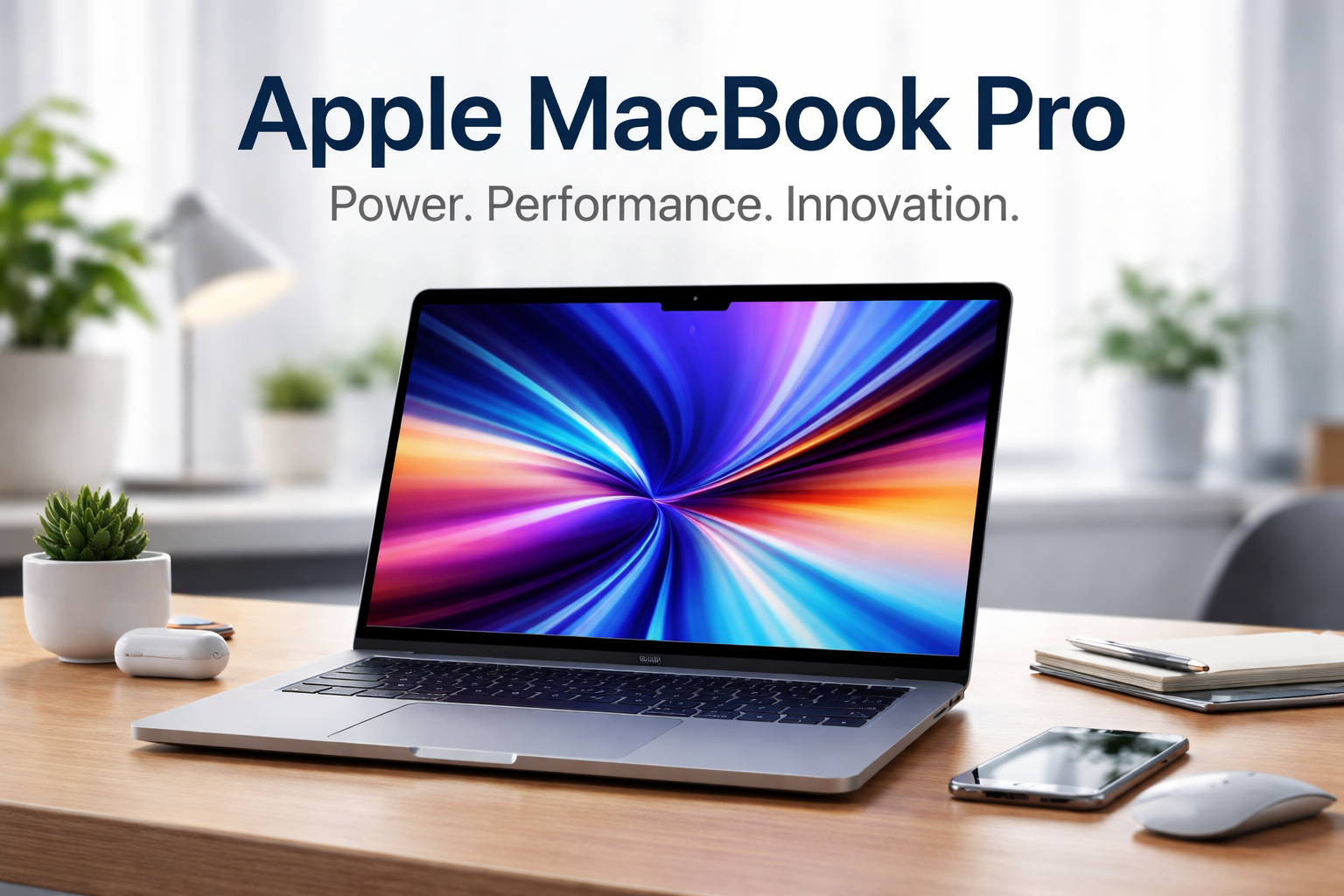
The Apple MacBook Pro has long been positioned as Apple’s flagship laptop for professionals who demand performance, reliability, and long-term value. From software developers and video editors to students in technical fields and creative professionals, the MacBook Pro line continues to evolve with Apple’s custom silicon, premium design, and tightly integrated ecosystem.
In recent years, the MacBook Pro has undergone some of the most significant changes in its history—most notably the transition to Apple Silicon, improvements in battery efficiency, and the return of ports that professionals rely on. This article provides a comprehensive, current-year-focused overview of the Apple MacBook Pro, including specifications, real-world performance, use cases, pros and cons, pricing considerations, and frequently asked questions.
This guide is written to help readers make informed decisions based on factual, verifiable information and practical experience—whether you are buying your first MacBook Pro or upgrading from an older model.
Table of Contents
What Is the Apple MacBook Pro?
The Apple MacBook Pro is a high-performance laptop designed for demanding workloads. Unlike the MacBook Air, which prioritizes portability and everyday computing, the MacBook Pro is built for:
- Professional creative work
- Software development and engineering
- Video and audio production
- Data analysis and technical workflows
- Long, intensive computing sessions
Apple currently offers MacBook Pro models in multiple sizes, with hardware configurations that scale from capable everyday performance to workstation-level power.
Apple MacBook Pro Model Overview (Current Generation)
Apple’s modern MacBook Pro lineup is built around Apple Silicon processors, which combine CPU, GPU, memory, and AI acceleration into a single system-on-a-chip (SoC).
Available Display Sizes
- 14-inch MacBook Pro
- 16-inch MacBook Pro
These sizes are designed to balance portability and screen real estate, with both models offering similar core features but different thermal and battery capacities.
Apple Silicon Processors
Depending on configuration and release cycle, MacBook Pro models typically include:
- Standard Apple Silicon chips (e.g., base-level Pro chips)
- Higher-performance variants designed for intensive workflows
These chips are optimized for:
- High performance per watt
- Reduced heat and fan noise
- Exceptional battery life compared to traditional laptops
Note: Apple updates processor generations regularly. Buyers should verify the specific chip generation available at the time of purchase.
Design and Build Quality
Premium Aluminum Unibody
The MacBook Pro features a precision-machined aluminum chassis that is both durable and lightweight. Apple’s build quality remains one of the strongest differentiators in the premium laptop market.
Color Options
- Space Gray
- Silver
These finishes are designed to resist fingerprints and maintain a professional appearance over time.
Keyboard and Trackpad
- Magic Keyboard with scissor-switch mechanism
- Improved key travel and reliability compared to earlier generations
- Large Force Touch trackpad with industry-leading precision
For users who spend hours typing or editing, the keyboard and trackpad combination is widely considered among the best in the industry.
Display Technology: Liquid Retina XDR
One of the standout features of the Apple MacBook Pro is its Liquid Retina XDR display.
Key Display Features
- High resolution with sharp text and detailed visuals
- Mini-LED backlighting for improved contrast
- High brightness levels suitable for HDR content
- ProMotion technology with adaptive refresh rates up to 120Hz
Who Benefits Most?
- Video editors working with HDR footage
- Photographers requiring accurate color reproduction
- Designers and developers who value smooth scrolling and clarity
The display is factory-calibrated and supports wide color gamuts, making it suitable for professional color-critical work.
Performance and Real-World Usage
CPU and GPU Performance
Apple Silicon allows the MacBook Pro to handle complex tasks efficiently, including:
- Compiling large codebases
- Editing high-resolution video timelines
- Running multiple professional applications simultaneously
Unlike traditional laptops that rely on discrete components, Apple’s integrated architecture minimizes bottlenecks and improves overall system responsiveness.
Unified Memory Architecture
Instead of separate system and graphics memory, MacBook Pro models use unified memory, which:
- Reduces data duplication
- Improves performance in creative applications
- Allows smoother multitasking
Memory configurations vary, so professionals should choose capacity carefully based on workload.
Battery Life and Power Efficiency
One of the most praised aspects of the Apple MacBook Pro is battery performance.
Typical Battery Performance
- All-day battery life for general productivity
- Extended usage even under demanding workloads
- Consistent performance whether plugged in or on battery
This efficiency is particularly valuable for:
- Remote professionals
- Students
- Creators working on location
Apple Silicon allows the MacBook Pro to outperform many competitors while consuming significantly less power.
Ports and Connectivity
Unlike earlier minimalist designs, modern MacBook Pro models offer a wide range of ports.
Common Ports
- Thunderbolt / USB-C ports
- HDMI output
- SD card reader
- Headphone jack with advanced audio support
- MagSafe charging port
This selection reduces reliance on external dongles and makes the MacBook Pro more practical for professional setups.
macOS and Software Ecosystem
The MacBook Pro runs macOS, Apple’s desktop operating system.
macOS Advantages
- Optimized for Apple Silicon
- Strong security and privacy protections
- Seamless integration with iPhone and iPad
- Robust support for professional software
Popular professional applications include:
- Video and audio editing tools
- Development environments
- Design and productivity suites
Apple provides long-term software support, making the MacBook Pro a reliable investment over several years.
Who Should Buy an Apple MacBook Pro?
Ideal Users
- Creative professionals (video, audio, design)
- Software developers and engineers
- Researchers and technical students
- Business professionals needing sustained performance
Not Ideal For
- Casual users with basic computing needs
- Budget-focused buyers
- Users who rarely push system limits
For everyday tasks such as browsing, email, and document editing, other laptops may offer better value.
Apple MacBook Pro: Pros and Cons
Pros
- Exceptional performance and efficiency
- Industry-leading display quality
- Long battery life
- Premium build and reliability
- Strong resale value
Cons
- Higher price compared to many alternatives
- Limited upgradeability after purchase
- Fewer customization options than some competitors
Pricing and Value Considerations
The Apple MacBook Pro is positioned as a premium product, and pricing reflects that.
What Influences Price?
- Processor configuration
- Memory capacity
- Storage size
- Display size
While the upfront cost may be high, many users find value in:
- Longevity and durability
- Reduced need for upgrades
- Strong performance over multiple years
Disclaimer: Pricing and availability vary by region and configuration. Always verify current prices through official retailers.
Comparison: MacBook Pro vs MacBook Air
| Feature | MacBook Pro | MacBook Air |
|---|---|---|
| Performance | High | Moderate |
| Cooling | Active | Passive |
| Display | XDR, ProMotion | Retina |
| Battery Life | Excellent | Excellent |
| Target Users | Professionals | General users |
The MacBook Pro is designed for sustained workloads, while the MacBook Air focuses on portability and efficiency.
Frequently Asked Questions (FAQs)
Is the Apple MacBook Pro good for video editing?
Yes. The MacBook Pro is widely used for professional video editing due to its powerful processors, advanced GPU performance, and high-quality display.
How long does a MacBook Pro typically last?
With proper care, many users report using a MacBook Pro for five years or more, supported by long-term macOS updates.
Can you upgrade RAM or storage later?
No. Memory and storage are integrated into the system and must be chosen at purchase.
Is the MacBook Pro worth the price?
For professionals who need performance, reliability, and efficiency, the MacBook Pro often justifies its cost over time.
Does the MacBook Pro support external displays?
Yes. Depending on configuration, MacBook Pro models support multiple high-resolution external monitors.
Buying Tips for First-Time MacBook Pro Owners
- Choose memory based on long-term needs
- Consider storage requirements carefully
- Buy from authorized sellers for warranty support
- Factor in accessories such as external storage or displays
Conclusion: Key Takeaways
The Apple MacBook Pro remains one of the most capable and refined professional laptops available today. With powerful Apple Silicon performance, excellent battery life, a class-leading display, and a mature software ecosystem, it continues to serve as a reliable tool for demanding users.
While it is not the most affordable option, its performance consistency, longevity, and build quality make it a strong long-term investment for professionals and advanced users who need more than basic computing power.
For those who value efficiency, performance, and a premium user experience, the Apple MacBook Pro continues to set the standard in the high-end laptop market.