
0
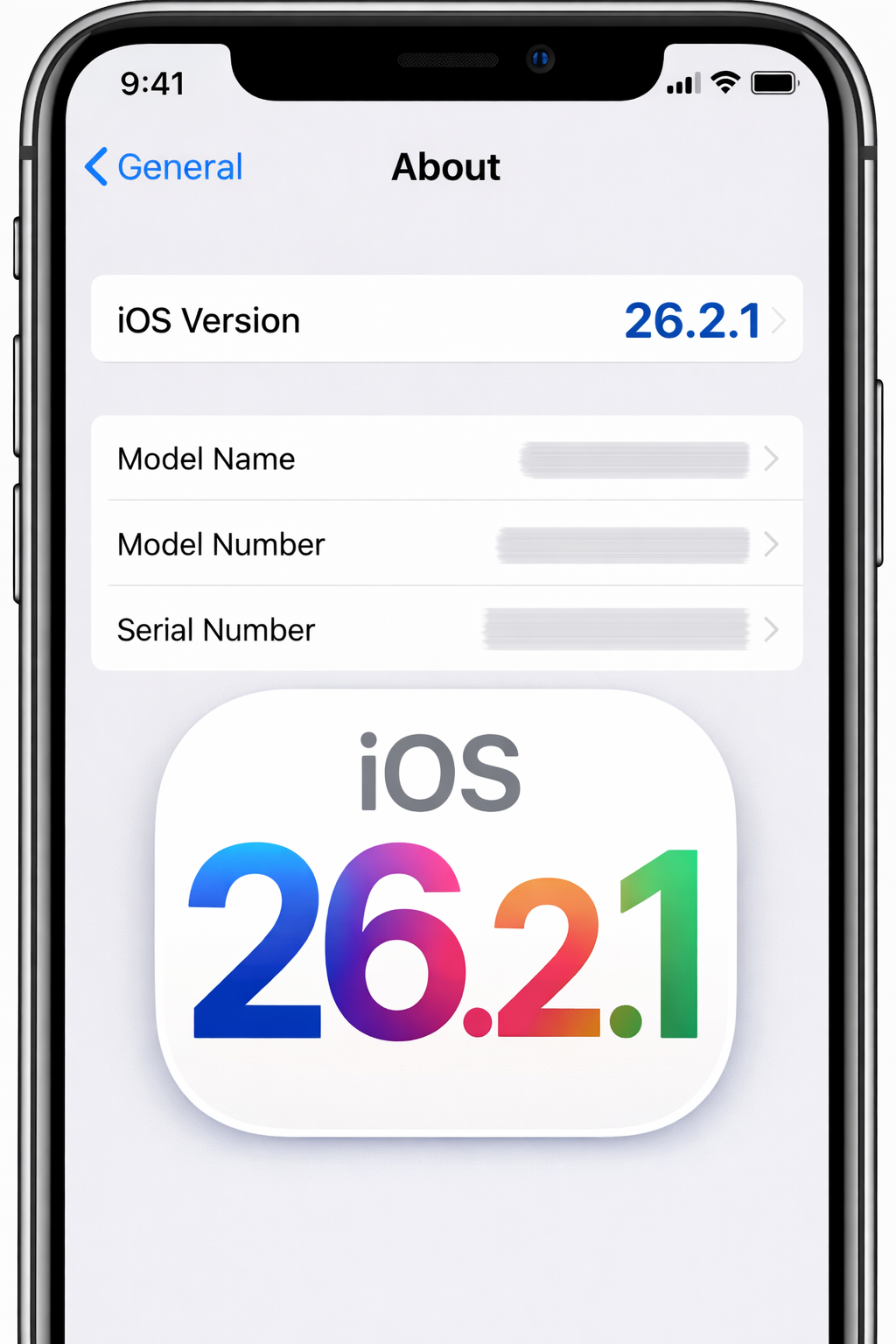
iOS 26.2.1 Update Explained: Why Your iPhone Is Asking You to Upgrade
Apple software iOS 26.2.1 updates often arrive with little warning, yet they tend to spark a familiar question for iPhone users: Why is my device asking me to update again? If your iPhone is prompting you to install iOS 26.2.1, you are not alone. Incremental updates like this are a routine part of Apple’s software maintenance strategy, and they play a critical role in security, stability, and long-term device performance.
This comprehensive guide explains what the iOS 26.2.1 update is, why Apple is encouraging users to install it, what changes it brings, and whether you should update right away. The goal is to provide clear, accurate, and practical information so you can make an informed decision that aligns with your usage needs.
Disclaimer: This article is intended for general informational and educational purposes only. Software features, compatibility, and update behavior may vary by device model, region, and configuration. Always review official Apple release notes before installing any system update.
Understanding Apple’s iOS Update Strategy
To understand why iOS 26.2.1 matters, it helps to first understand how Apple structures iOS updates.
Major, Minor, and Point Releases Explained
Apple generally releases iOS updates in three tiers:
- Major versions (e.g., iOS 26): Introduce new features, design changes, and system-wide improvements
- Minor updates (e.g., iOS 26.2): Add refinements, feature enhancements, and broader fixes
- Point releases (e.g., iOS 26.2.1): Focus primarily on security patches, bug fixes, and performance improvements
The iOS 26.2.1 update falls into the third category, meaning it is designed to improve reliability and safety rather than dramatically change how your iPhone looks or works.
Table of Contents (iOS 26.2.1 Update)
What Is iOS 26.2.1?
iOS 26.2.1 is a maintenance update issued to address issues discovered after the rollout of iOS 26.2. These issues may include software bugs, security vulnerabilities, and system performance inconsistencies that only become apparent once millions of devices are running the software in real-world conditions.
Why Apple Releases Like iOS 26.2.1 Update
Apple releases point updates to:
- Patch newly discovered security vulnerabilities
- Fix bugs reported by users and developers
- Improve system stability and battery efficiency
- Ensure compatibility with apps and services
Even if your iPhone appears to be working normally, background issues may still exist that this update is designed to resolve.
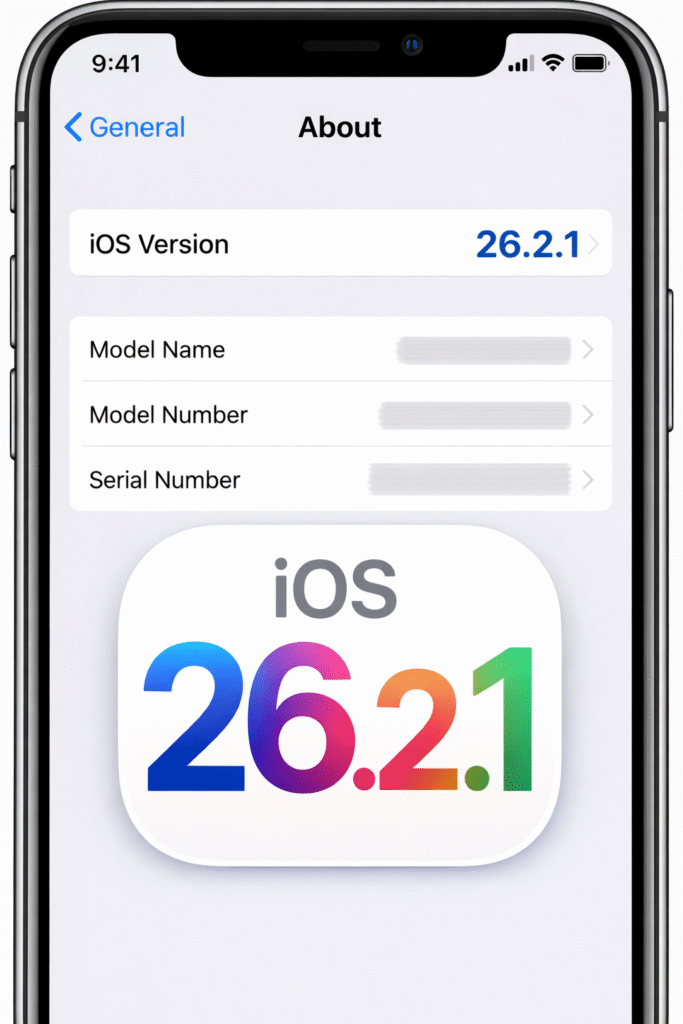
Why Your iPhone Is Asking You to Upgrade-iOS 26.2.1 Update
If your device is prompting you to install iOS 26.2.1, it is typically for one or more of the following reasons.
1. Security Vulnerability Fixes
Security is the most common reason Apple pushes point updates.
Modern smartphones store sensitive information, including:
- Personal messages and emails
- Photos and documents
- Financial and payment data
- Authentication credentials
Even minor vulnerabilities can be exploited if left unpatched. Updates like iOS 26.2.1 help close these gaps and reduce exposure to potential threats.
2. Bug Fixes and System Stability Improvements
No operating system is perfect at launch. After a broader update, Apple often identifies issues such as:
- App crashes
- Wi-Fi or Bluetooth instability
- Unexpected reboots
- Notification delays
iOS 26.2.1 is designed to resolve these issues and improve day-to-day reliability.
3. Performance and Efficiency Enhancements
Some updates optimize background processes, memory handling, and system animations. While these improvements may not be immediately visible, they can:
- Improve overall responsiveness
- Reduce app freezing
- Enhance battery efficiency
These refinements are particularly helpful for older iPhone models still supported by iOS 26.
4. Compatibility With Apps and Services
App developers regularly update their software to align with the latest iOS versions. Running an outdated system can sometimes lead to:
- App crashes or reduced functionality
- Missing features
- Security warnings
Updating helps ensure smooth compatibility across your apps and Apple services.
What’s New in iOS 26.2.1?
Unlike major releases, iOS 26.2.1 focuses on behind-the-scenes improvements rather than flashy features.
Common Areas Addressed in Point Updates
While exact changes vary, iOS 26.2.1 may include:
- Security patches for system frameworks
- Fixes for connectivity issues (Wi-Fi, cellular, Bluetooth)
- Improved app performance and stability
- Refinements to system animations and background processes
Apple typically documents these changes in official release notes.
Devices Compatible With iOS 26.2.1
iOS updates are limited by hardware capability.
General Compatibility Guidelines
Devices eligible for iOS 26.2 are usually eligible for iOS 26.2.1 as well. Compatibility depends on:
- Processor generation
- Hardware security features
- Memory capacity
If your iPhone receives the update prompt, it means Apple has certified the device as compatible.
How Long Does the iOS 26.2.1 Update Take?
Update time varies based on device model, storage availability, and internet speed.
Typical Installation Timeline
- Download: 5–20 minutes
- Installation: 10–15 minutes
- Total Time: Approximately 20–40 minutes
During installation, your iPhone will restart and be temporarily unavailable.
Should You Update to iOS 26.2.1 Immediately?
For most users, installing point updates is recommended.
Reasons to Update Promptly
- Enhanced security protections
- Improved system stability
- Reduced risk of software conflicts
Apple generally tests these updates extensively before release.
When You Might Wait Briefly
Some users choose to wait a few days if:
- They rely on mission-critical apps
- They want to monitor early user feedback
- Their device is performing optimally
Waiting briefly can be reasonable, but long delays are not advised.
How to Prepare Your iPhone for the Update
Preparation reduces the risk of interruptions or data loss.
Pre-Update Checklist
- Back up your iPhone using iCloud or a computer
- Ensure at least 50% battery or connect to power
- Free up sufficient storage space
- Use a stable Wi-Fi connection
These steps help ensure a smooth installation.
How to Install iOS 26.2.1
Updating your iPhone is straightforward.
Step-by-Step Instructions
- Open Settings
- Tap General
- Select Software Update
- Tap Download and Install
- Follow on-screen instructions
You can also enable automatic updates for future releases.
Battery Life After Updating: What to Expect
Battery behavior may change briefly after updating.
Short-Term Effects
- Temporary battery drain due to background optimization
- Increased system activity for indexing and syncing
These effects typically normalize within a few days.
Long-Term Battery Impact
Many users report:
- Improved standby time
- Reduced background drain
- More consistent performance
Battery improvements are often subtle but meaningful over time.
Common Concerns About iOS Updates
Will the Update Slow Down My iPhone?
Point updates are generally designed to improve performance, not reduce it. Older devices may experience slight changes, but Apple aims to maintain usability across supported models.
Will I Lose My Data?
Data loss is rare, especially if you back up your device beforehand.
Can I Downgrade If I Don’t Like It?
Downgrading iOS is limited and time-sensitive. Apple typically stops signing older versions after a short period.
Pros and Cons of Updating to iOS 26.2.1
Pros
- Enhanced security protections
- Improved stability and bug fixes
- Better app compatibility
- Optimized system performance
Cons
- Temporary battery drain after installation
- Minor interface or behavior changes
- Limited rollback options
For most users, the advantages outweigh the drawbacks.
iOS 26.2.1 and Privacy Considerations
Apple emphasizes privacy across all iOS releases.
Privacy-Related Improvements
Updates may include:
- Stronger permission handling
- Improved system-level data protections
- Refinements to background app access
These changes support Apple’s broader privacy-first ecosystem.
Frequently Asked Questions (FAQs)-iOS 26.2.1 Update
Is iOS 26.2.1 a mandatory update?
It is not mandatory, but it is strongly recommended for security and stability reasons.
Does iOS 26.2.1 add new features?
This update focuses on fixes and improvements rather than new features.
Is iOS 26.2.1 safe to install?
Yes, point updates are generally stable and widely tested.
Will iOS 26.2.1 affect my apps?
Most apps continue to work normally, and compatibility often improves.
How often does Apple release updates like this?
Point updates are released as needed when issues or vulnerabilities are identified.
Best Practices for Managing iOS Updates Long-Term
Staying up to date does not have to be disruptive.
Smart Update Habits
- Enable automatic updates during off-hours
- Review release notes before installing
- Maintain regular backups
- Monitor storage and battery health
These habits help ensure smooth updates over time.
The Bigger Picture: Why Regular Updates Matter
Regular software updates are not just about new features. They are essential for:
- Protecting personal data
- Maintaining device longevity
- Ensuring compatibility with modern apps
- Reducing exposure to evolving threats
In an increasingly connected world, staying current is a core part of digital hygiene.
Conclusion: Why iOS 26.2.1 Is Worth Installing
The iOS 26.2.1 update is a classic example of Apple’s ongoing commitment to security, stability, and user experience. While it may not introduce visible changes, its behind-the-scenes improvements play a critical role in keeping your iPhone safe, reliable, and responsive.
Key Takeaways
- iOS 26.2.1 focuses on security, bug fixes, and performance
- Most users benefit from installing the update promptly
- Preparation and backups ensure a smooth experience
- Regular updates help extend your iPhone’s usable life
If your iPhone is asking you to upgrade, it is doing so for good reason. Installing iOS 26.2.1 helps ensure your device continues to perform as Apple intends—securely, efficiently, and reliably.