
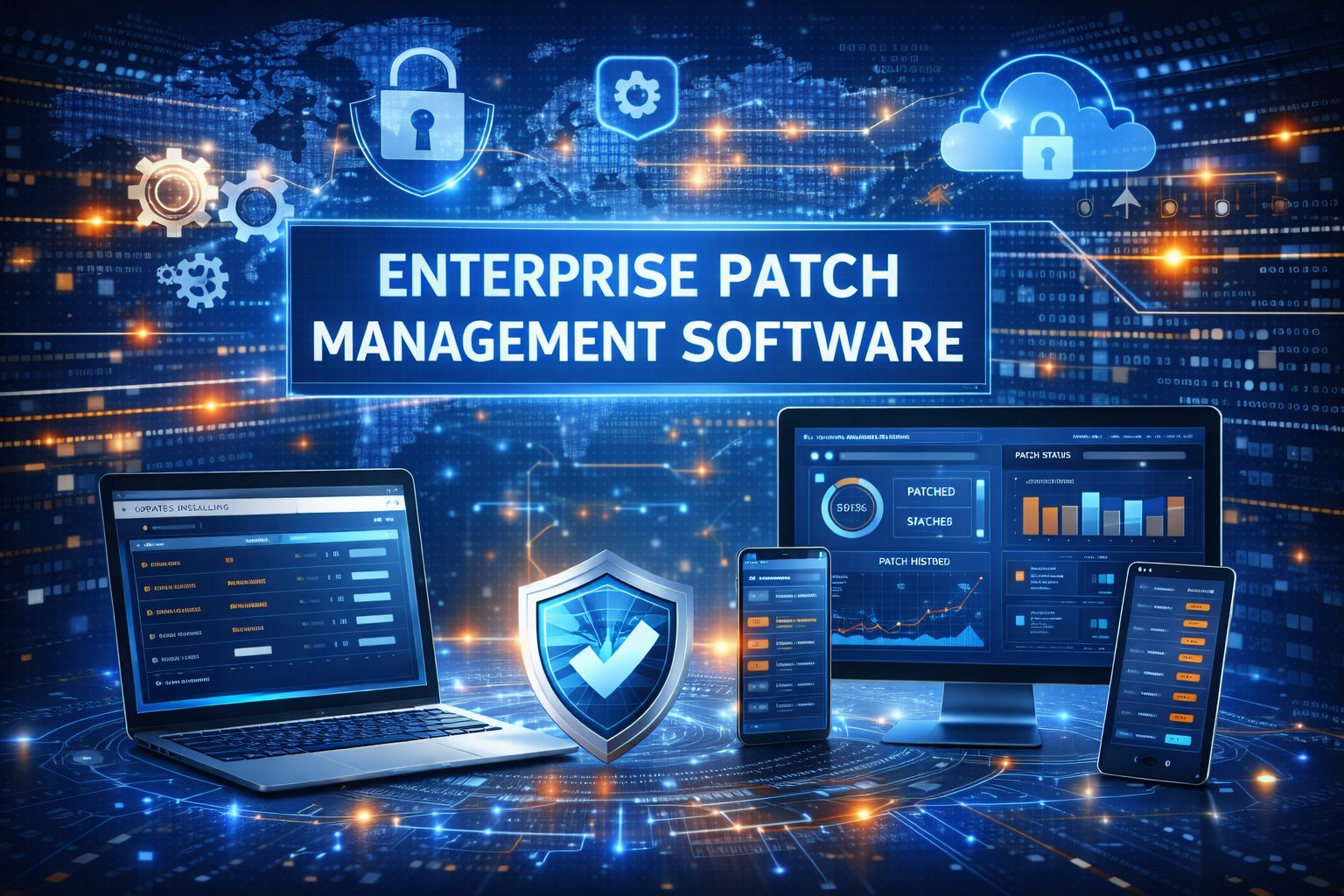
Best Enterprise Patch Management Software in 2026: A Complete Guide for Secure, Scalable IT Operations
Enterprise Patch Management Software: Keeping enterprise systems secure has never been more challenging. With increasingly sophisticated cyber threats, distributed workforces, and complex IT environments, organizations can no longer rely on manual updates or reactive security practices. This is where enterprise patch management software becomes essential.
This comprehensive guide explores the best enterprise patch management software available in 2026. It is designed to help IT leaders, security teams, and decision-makers understand how modern patch management solutions work, why they matter, and how to choose the right platform for their organization.
Disclaimer: This article is provided for general informational and educational purposes only. It does not constitute legal, cybersecurity, or compliance advice. Organizations should evaluate their specific requirements and consult qualified IT or security professionals before implementing any patch management solution.
What Is Enterprise Patch Management Software?
Enterprise patch management software is a centralized system that helps organizations identify, test, deploy, and verify software updates (patches) across large and diverse IT environments. These patches may address:
- Security vulnerabilities
- Operating system updates
- Application bugs and performance issues
- Compliance requirements
Unlike basic update tools, enterprise-grade solutions are designed to manage thousands of endpoints across on-premises, cloud, and hybrid infrastructures.
Why Patch Management Is Critical for Enterprises
Unpatched systems remain one of the leading causes of data breaches and ransomware incidents. According to industry cybersecurity reports, a significant percentage of successful attacks exploit known vulnerabilities for which patches already exist.
Key Reasons Enterprises Need Patch Management Software
- Security risk reduction: Closes known vulnerabilities before they are exploited
- Regulatory compliance: Supports standards such as ISO 27001, SOC 2, HIPAA, and PCI DSS
- Operational stability: Reduces system crashes and compatibility issues
- Centralized control: Enables consistent patching across global environments
- Audit readiness: Provides reporting and documentation for compliance audits
In 2026, automated, policy-driven patch management is considered a foundational component of enterprise cybersecurity.
Core Features of Enterprise Patch Management Software
Before comparing specific tools, it’s important to understand the features that distinguish enterprise patch management software from basic update utilities.
1. Automated Patch Discovery and Deployment
Enterprise solutions automatically scan systems to identify missing or outdated patches and deploy them based on predefined policies.
Key capabilities include:
- OS and third-party application patching
- Scheduled and event-based deployments
- Silent or user-aware installations
2. Vulnerability Assessment and Prioritization
Modern platforms integrate vulnerability intelligence to help IT teams prioritize patches based on risk severity.
This may include:
- CVE-based risk scoring
- Threat intelligence feeds
- Asset criticality analysis
3. Cross-Platform Support
Large organizations often operate mixed environments. Effective enterprise patch management software supports:
- Windows, macOS, and Linux
- On-premises and cloud workloads
- Virtual machines and containers
4. Testing, Rollback, and Change Control
To minimize disruptions, enterprise tools provide:
- Patch testing in staging environments
- Phased or ring-based deployments
- Rollback options for failed patches
5. Reporting, Compliance, and Auditing
Detailed reporting is essential for both internal governance and external audits.
Look for:
- Patch compliance dashboards
- Exportable audit reports
- Historical patching records
Best Enterprise Patch Management Software in 2026
The following platforms are widely recognized for their reliability, scalability, and enterprise-level capabilities. Each solution serves different organizational needs, so the “best” option depends on infrastructure size, security requirements, and operational complexity.
1. Microsoft Endpoint Configuration Manager (MECM)
Best for: Large enterprises using Microsoft-centric environments
Microsoft Endpoint Configuration Manager, formerly SCCM, remains a cornerstone of enterprise patch management, especially for Windows-heavy organizations.
Key Features
- Deep integration with Windows and Microsoft products
- Centralized OS and application patching
- Detailed compliance and deployment reporting
- Integration with Microsoft Intune for hybrid management
Pros
- Highly scalable for large environments
- Strong control and customization
- Trusted by enterprises worldwide
Cons
- Complex setup and maintenance
- Steeper learning curve
MECM is often chosen by organizations already invested in Microsoft’s ecosystem and requiring granular control over patching processes.
2. Ivanti Neurons for Patch Management
Best for: Enterprises prioritizing automation and vulnerability-driven patching
Ivanti Neurons offers a modern, cloud-enabled approach to enterprise patch management with strong emphasis on security intelligence.
Key Features
- Automated vulnerability-based patch prioritization
- Patch management for OS and third-party applications
- Cloud and on-premises deployment options
- Real-time dashboards and analytics
Pros
- Strong focus on security risk reduction
- Broad third-party application support
- Scalable for distributed environments
Cons
- Pricing may be high for smaller teams
- Advanced features require configuration
Ivanti is well-suited for enterprises seeking proactive, security-first patch management
3. ManageEngine Patch Manager Plus
Best for: Cost-conscious enterprises needing broad OS support
ManageEngine Patch Manager Plus provides a balance between enterprise functionality and affordability.
Key Features
- Automated patching for Windows, macOS, and Linux
- Support for over 850 third-party applications
- Test and approve patch workflows
- Detailed compliance reporting
Pros
- User-friendly interface
- Competitive pricing
- Flexible deployment options
Cons
- Reporting customization can be limited
- Advanced automation may require tuning
This platform is often adopted by mid-to-large enterprises seeking strong capabilities without premium pricing.
4. HCL BigFix
Best for: Large, complex, and highly regulated environments
HCL BigFix is known for its ability to manage and secure vast numbers of endpoints with high reliability.
Key Features
- Real-time endpoint visibility
- Patch management for OS, apps, and firmware
- Strong compliance and audit capabilities
- Support for air-gapped and secure environments
Pros
- Extremely scalable and fast
- High patch success rates
- Suitable for regulated industries
Cons
- Interface may feel less modern
- Requires experienced administrators
BigFix is commonly used in government, finance, and healthcare sectors where scale and compliance are critical.
5. Automox
Best for: Cloud-first and remote workforce environments
Automox is a cloud-native patch management solution designed for modern, distributed enterprises.
Key Features
- SaaS-based patch management
- Cross-platform OS and application patching
- Policy-driven automation
- Remote endpoint support
Pros
- Easy to deploy and manage
- Ideal for remote and hybrid workforces
- Minimal infrastructure overhead
Cons
- Less granular control than legacy tools
- Advanced compliance reporting may be limited
Automox appeals to organizations embracing cloud-native IT operations.
Comparison Table: Best Enterprise Patch Management Software
| Software | Deployment Model | Best For | OS Support | Scalability |
|---|---|---|---|---|
| Microsoft MECM | On-Prem / Hybrid | Microsoft environments | Windows-focused | Very High |
| Ivanti Neurons | Cloud / Hybrid | Security-driven patching | Multi-OS | High |
| ManageEngine Patch Manager Plus | Cloud / On-Prem | Cost-effective enterprise use | Multi-OS | High |
| HCL BigFix | On-Prem / Cloud | Large regulated enterprises | Multi-OS | Very High |
| Automox | Cloud | Remote-first enterprises | Multi-OS | Moderate-High |
How to Choose the Best Enterprise Patch Management Software
Selecting the right solution requires careful evaluation of technical and organizational needs.
Step 1: Assess Your IT Environment
Consider:
- Number of endpoints
- Operating systems and applications
- On-premises vs. cloud infrastructure
Step 2: Define Security and Compliance Requirements
Identify relevant regulations and internal security standards that the software must support.
Step 3: Evaluate Automation and Reporting Needs
Determine how much control and visibility your team requires for patch deployment and compliance reporting.
Step 4: Consider Total Cost of Ownership
Look beyond licensing costs to include:
- Deployment and training
- Ongoing maintenance
- Support and scalability
Common Challenges in Enterprise Patch Management
Even with advanced tools, patch management presents challenges.
Typical Issues
- Downtime caused by failed patches
- Compatibility problems with legacy systems
- Delayed patching due to testing requirements
- Limited visibility across remote endpoints
Best Practices to Address Challenges
- Use phased deployment strategies
- Maintain accurate asset inventories
- Prioritize patches based on risk
- Regularly review patch policies
Pros and Cons of Enterprise Patch Management Software
Pros
- Reduced security vulnerabilities
- Centralized patch control
- Improved compliance posture
- Increased operational efficiency
Cons
- Initial setup and configuration effort
- Ongoing maintenance requirements
- Training needed for IT staff
FAQs About Enterprise Patch Management Software
What is the difference between patch management and vulnerability management?
Patch management focuses on deploying updates, while vulnerability management identifies, assesses, and prioritizes security weaknesses. Many enterprise tools integrate both functions.
How often should enterprises apply patches?
Critical security patches should be applied as soon as possible, while routine updates are typically scheduled monthly or quarterly, depending on risk tolerance.
Is cloud-based patch management secure?
Reputable vendors use strong encryption, access controls, and compliance certifications. When properly configured, cloud solutions can be as secure as on-premises systems.
Can patch management software handle third-party applications?
Yes. Most enterprise solutions support patching for popular third-party applications, which are common attack vectors.
Future Trends in Enterprise Patch Management
Patch management continues to evolve alongside cybersecurity threats.
Key Trends in 2026
- AI-assisted risk-based patch prioritization
- Increased automation with minimal user disruption
- Integration with zero trust security models
- Enhanced reporting for regulatory compliance
Organizations adopting modern, adaptive patch management platforms are better positioned to manage evolving risks.
Conclusion: Selecting the Best Enterprise Patch Management Software
The best enterprise patch management software depends on an organization’s size, infrastructure, security posture, and operational goals. Solutions such as Microsoft Endpoint Configuration Manager, Ivanti Neurons, ManageEngine Patch Manager Plus, HCL BigFix, and Automox each offer distinct advantages.
Key Takeaways
- Patch management is essential for enterprise security and compliance
- Automation and visibility are critical success factors
- The right solution balances control, scalability, and usability
By investing in a well-matched enterprise patch management platform, organizations can significantly reduce risk, improve operational resilience, and maintain a strong security foundation in an increasingly complex digital landscape.